Search “receipt template” and you’ll find hundreds of downloads. People aren’t lazy – they’re overwhelmed. Receipts are the most annoying part of small business accounting, because they arrive everywhere: email, WhatsApp, taxi slips, coffee receipts, online subscriptions.
A receipt template helps when you need to issue a receipt to a customer. But it doesn’t solve the real problem: keeping receipts organized so your books are clean, your expenses are real, and your reports make sense.
That’s why founders eventually move from a receipt template to an expense tracker app—because tracking receipts is not a design problem. It’s a workflow problem.
Free payment receipt template (copy/paste)
Use this if you need to issue a receipt to a client.
PAYMENT RECEIPT
Receipt No.: R-0001
Date:
Received From:
Amount Received: AED
Payment Method: Cash / Card / Bank Transfer
For: (Service / Product / Invoice No.)
Issued By (Business Name):
Address:
Phone / Email:
TRN (if applicable):
Signature / Stamp (optional)
What receipt templates do NOT solve
A receipt template won’t fix:
- receipts that get lost
- expenses that never get recorded
- duplicate expense entries
- month-end panic
- “Where is the proof for this charge?”
And this is where an expense tracker app becomes a practical tool, not a luxury.
The real goal: turn receipts into book-ready expenses
For business owners, the win is simple:
- Capture the receipt once
- Store it safely
- Attach it to the transaction
- Categorize it correctly
- Keep it searchable
That’s digital bookkeeping for entrepreneurs in real life: fewer missing documents, fewer questions later.
A simple weekly process (works even for one-person companies)
If you want clean records without spending your weekend on Excel:
- Capture receipts weekly (daily is best)
- Match them to bank transactions
- Categorize consistently
- Keep everything in one place
In practice, this is much easier with a business accounting app that includes an expense tracker app feature—because it removes the “download receipts → rename files → upload later” mess.
Why BookBI is not just the “template alternative”
BookBI is designed for business owners who want the fast version of accounting:
- scan/capture receipts
- keep them organized
- build reports from real data
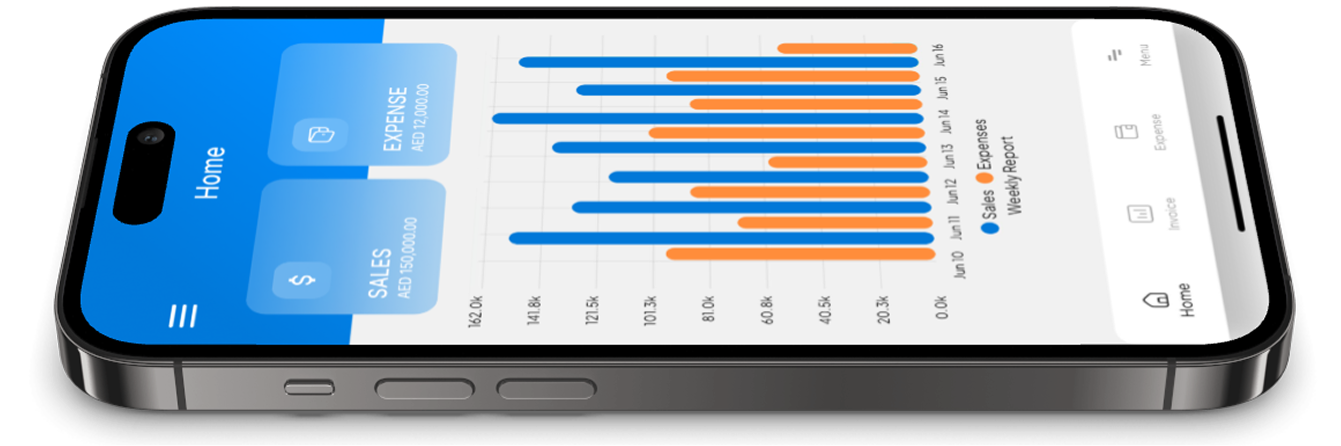
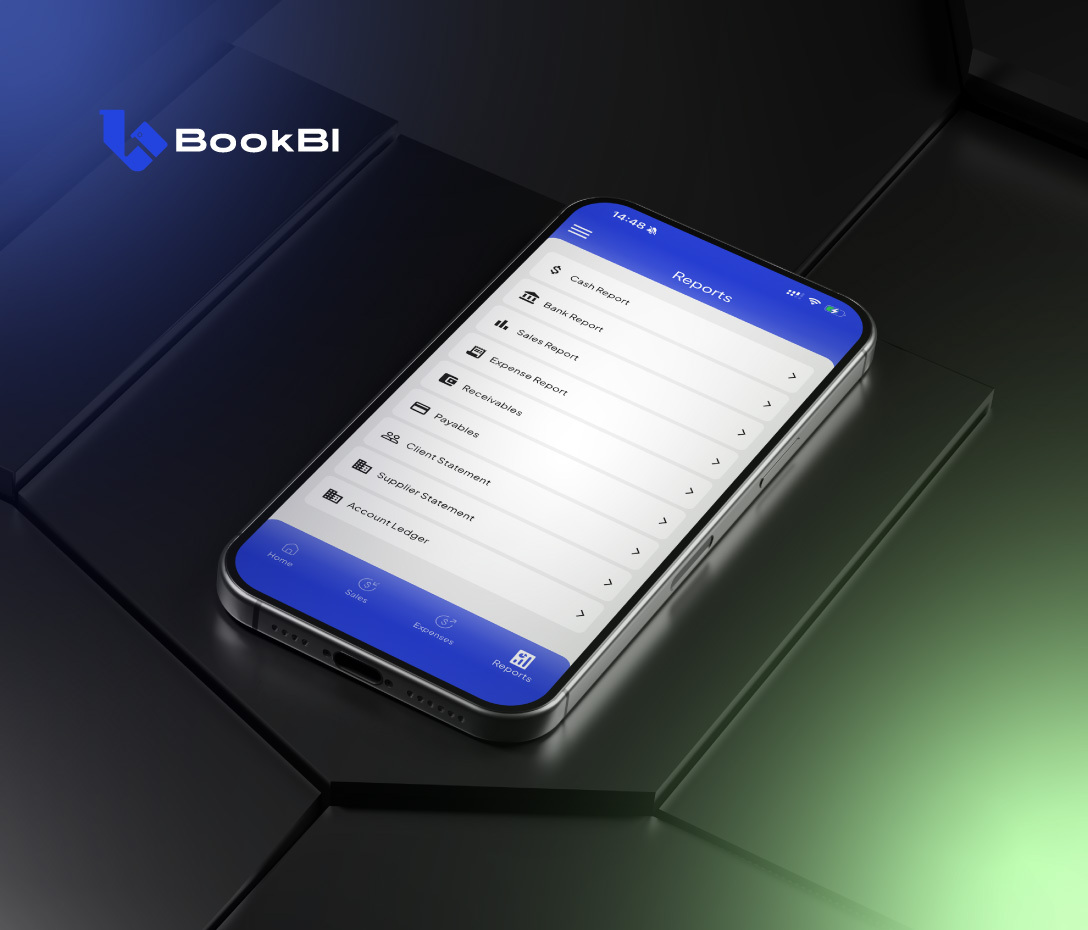
Use a receipt template when you must — but use BookBI as your expense tracker app so you never lose receipts again.