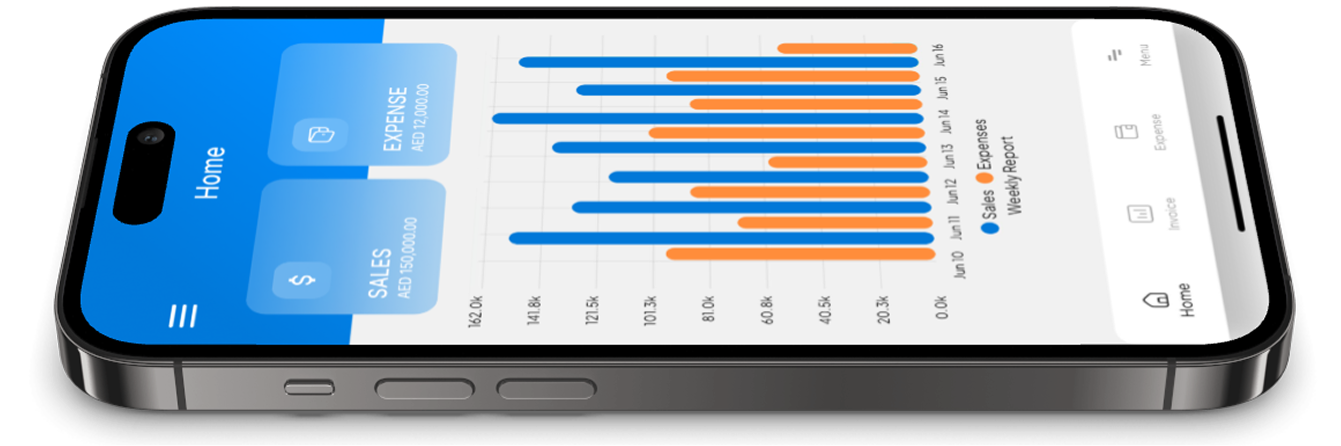
Excel reels do well on TikTok for one reason: they promise instant control. A clean dashboard, a simple chart, a “profit calculator” in 20 seconds.
But what those videos don’t show is the behind-the-scenes reality: spreadsheets don’t collect data for you. They depend on you – every receipt, every invoice, every bank charge, every refund. That’s why accounting app vs spreadsheets is now a serious question for SMEs.
If you’re searching for report template Excel, here are three templates you can use today – and the reason many business owners quickly move to a business accounting app once transactions increase.
Template 1: Profit & Loss (P&L) report template (monthly)
Purpose: know if you’re actually making money.
Columns (Excel):
Month
Revenue
Cost of Sales
Gross Profit
Operating Expenses (broken down)
Net Profit
Common Excel problem: expenses get missed (receipts not captured), so the report looks better than reality.
Template 2: Cash Flow report template (30/60/90 days)
Purpose: avoid cash surprises.
Sections:
Opening bank balance
Expected cash in (invoices you will actually collect)
Expected cash out (rent, payroll, suppliers, subscriptions, VAT, etc.)
Closing forecast balance
Common Excel problem: cash flow gets updated “when there’s time,” which is usually after the stress starts.
Template 3: VAT summary report template
Purpose: keep VAT accounting UAE tidy.
Sections:
Sales subject to VAT
VAT collected (output VAT)
Purchases subject to VAT
VAT paid (input VAT)
Net VAT position
Common Excel problem: VAT depends on clean invoices and proper receipts. If invoices aren’t consistent, the VAT summary becomes guesswork.
The hidden risks of spreadsheets as your accounting system
Spreadsheets are powerful – but fragile. The most common issues:
formula errors
duplicate entries
version control (“final_v9” files)
missing attachments (no receipt proof)
difficult audits and handovers
That’s why many SMEs use Excel for forecasting (great), but switch daily accounting into small business accounting tools that are built for record-keeping.
Why a business accounting app beats templates (for day-to-day)
A business accounting app (especially modern UAE accounting software) is designed to:
capture receipts as you spend (like an expense tracker app)
create invoices consistently (like an invoicing app)
generate reports from real transactions
reduce errors automatically
This is the real heart of accounting app vs spreadsheets:
Excel is manual.
A business accounting app is structured.
Stop building reports. Start building records. Reports come automatically.
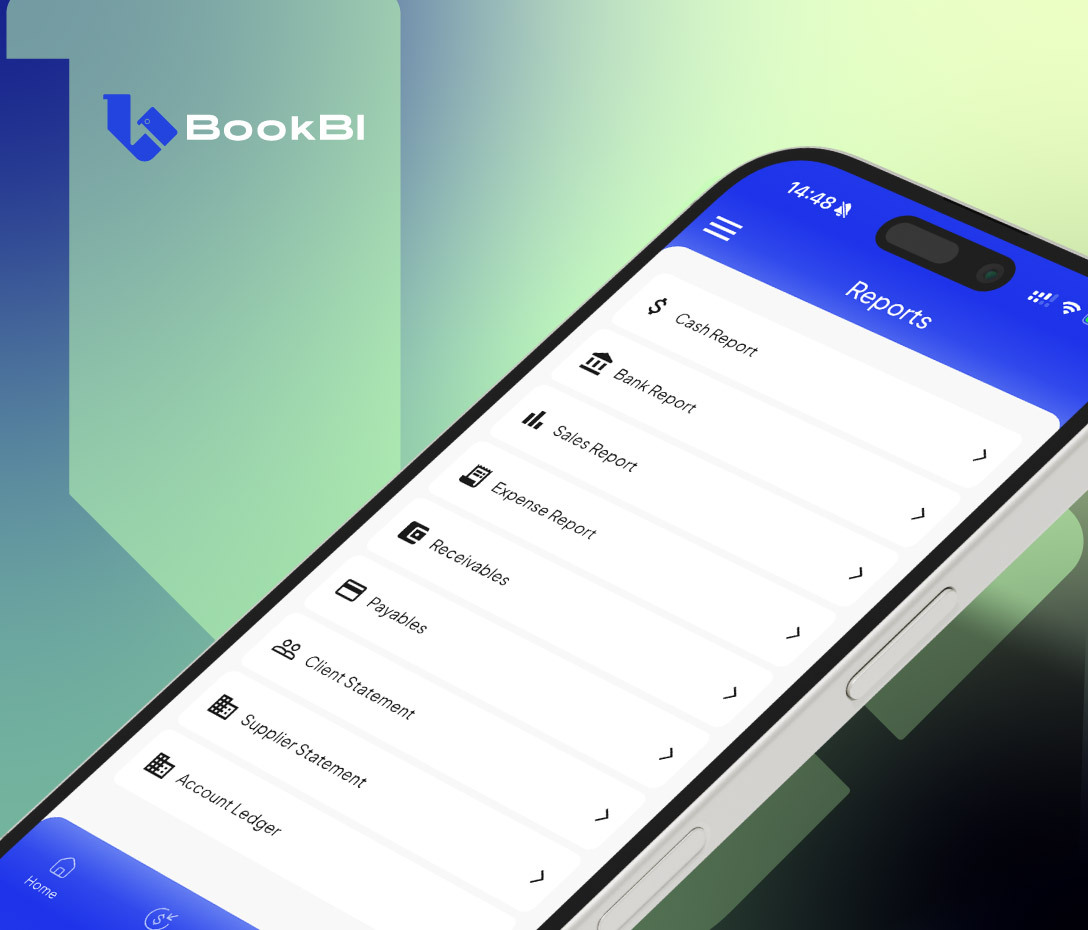
Download the report templates – or use BookBI as your business accounting app so reports generate automatically from real invoices and real receipts.