The invoice template problem nobody talks about
If you searched for a UAE invoice template or a VAT invoice template UAE, you’re probably trying to do one simple thing: send a professional invoice quickly.
But here’s the trap: invoice templates look easy – until your business grows, you issue more invoices, and you discover the hidden cost of templates: copy-paste, broken numbering, missing fields, and “Which version did I send?” confusion. It’s a classic cause of small business accounting stress in the UAE, especially when VAT is involved.
This guide gives you a free VAT invoice template UAE layout you can copy into Word or Excel, plus a smarter alternative: an invoicing app that generates invoices consistently and keeps them organized for VAT and reporting.
What a UAE VAT invoice must contain (simple checklist)
When you use an invoice template, the biggest risk is leaving out something important. A VAT invoice should clearly show key details like:
- “Tax Invoice” label (where relevant)
- Supplier name + address
- Supplier TRN
- Customer name + address (and customer TRN if VAT-registered)
- A unique invoice number (sequential numbering matters)
- Invoice date (and supply date if different)
- Description of goods/services
- Quantity, unit price
- VAT rate and VAT amount
- Total amount payable
- Currency (AED is typically used; if another currency appears, keep it clear)
If you’re using Excel, this is where many “template users” fall into the same loop: the template looks fine, but the details get messy as soon as the business gets busy.
Free UAE VAT invoice template (copy/paste)
You can paste this into Word / Google Docs, or use it as a layout for Excel.
TAX INVOICE
- Supplier (Your Business Name):
- Address:
- TRN:
- Phone / Email:
Customer:
- Name:
- Address:
- TRN (if applicable):
Invoice Details
- Invoice No.: INV-0001 (use auto-numbering if possible)
- Invoice Date:
- Date of Supply (if different):
- Payment Terms: (e.g., Due in 7 days)
Item/Service
- Qty
- Unit Price (AED)
- Subtotal (AED)
- VAT %
- VAT (AED)
- Total (AED)
- Subtotal: AED
- VAT Total: AED
- Grand Total: AED
Bank / Payment Details:
- Account Name:
- IBAN:
- Bank:
The 5 most common invoice template mistakes (and why they happen)
- These are the mistakes that turn “free template” into expensive admin:
- Duplicate invoice numbers (classic Excel issue)
- Skipping TRN fields or placing them inconsistently
- Wrong VAT calculation after a manual edit
- Different invoice formats used by different team members
- No tracking (paid/unpaid becomes guesswork)
This is why “template searching” often evolves into searching for the best accounting app – because a good tool removes human error.
The upgrade: from “template” to “system”
If your business is issuing invoices regularly, the goal is not just an invoice template. The goal is a repeatable system:
- Auto-fill customer details
- Auto-numbering every invoice
- Error-free totals (no broken formulas)
- One list of invoices (not 10 files)
- Clear paid/unpaid tracking
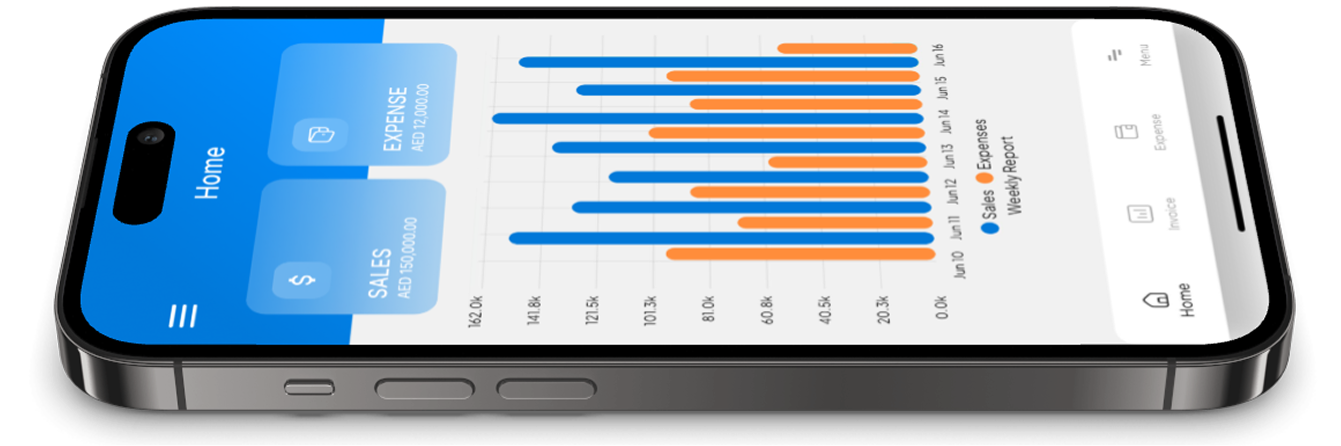
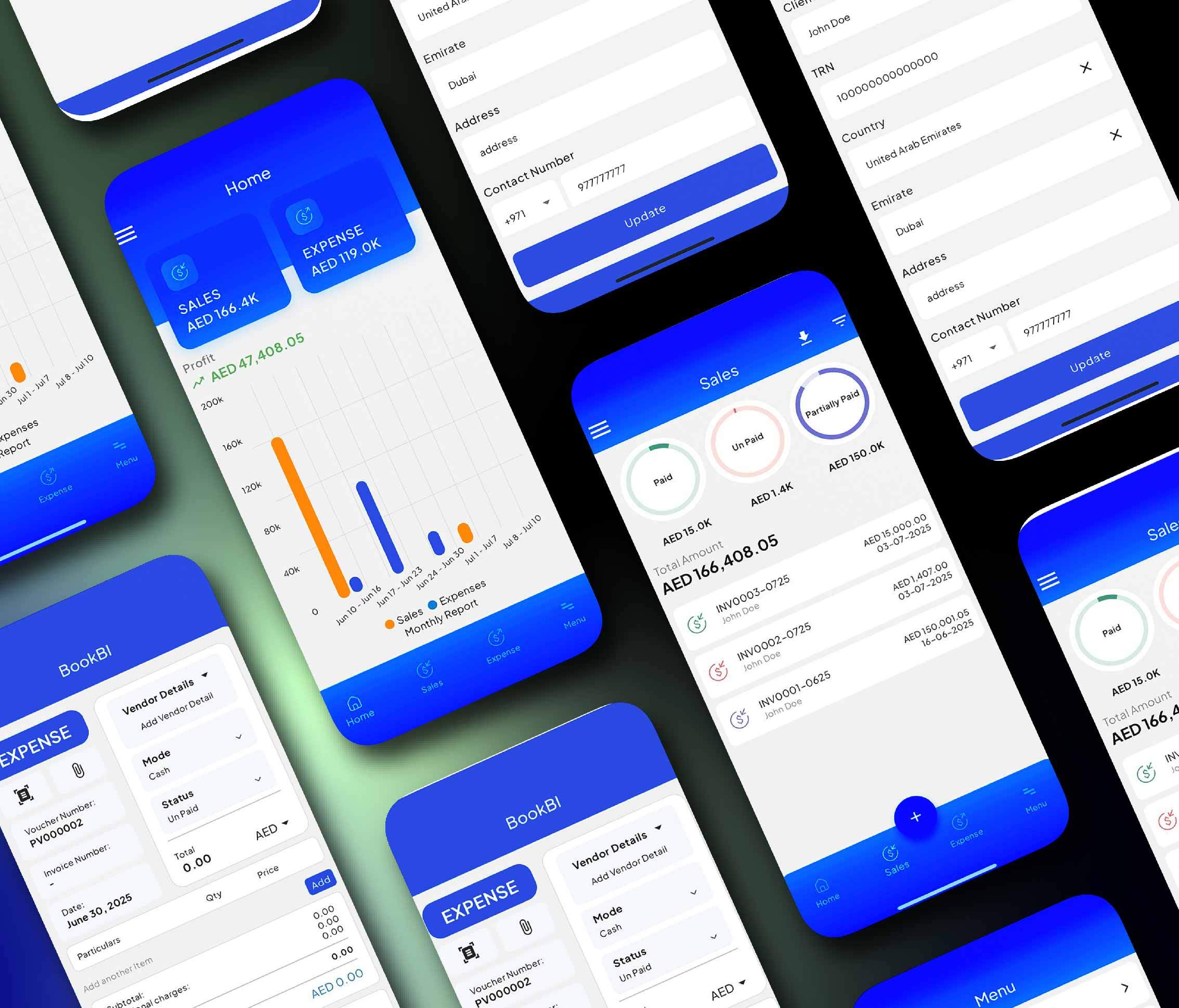
That’s exactly what an invoicing app inside a business accounting app is meant to do.
BookBI is built as UAE accounting software for business owners who want speed and clarity. Instead of editing an Excel template every time, you generate invoices, keep them organized, and build clean records for VAT accounting UAE and reporting.